Egg Evolution Controls and HUD
Find every important panel fast鈥攁nd keep the merge board readable.
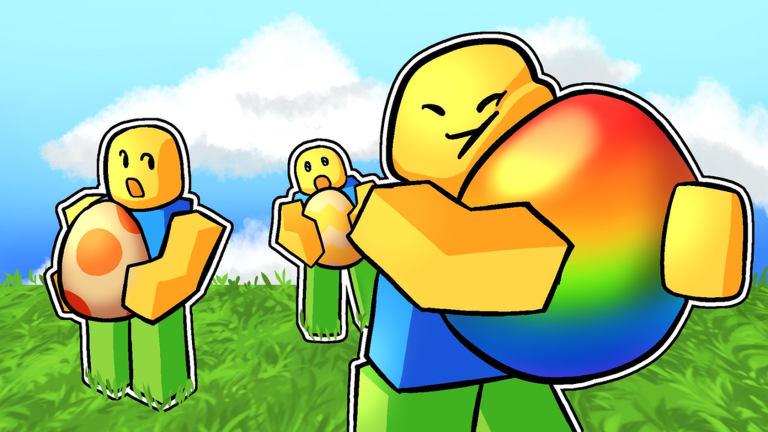
Egg Evolution uses standard Roblox movement with simulator-style menus for merges, pets, rebirth, codes, and the market. This page is the practical controls and HUD map so you spend less time hunting buttons and more time climbing egg tiers. Pair it with Getting Started on day one and Tips and Mistakes when the board feels chaotic.
Exact icon art can shift after patches (including the Market update era). If a label moved, rejoin once and scan the side/top clusters again鈥攕oft UI locks happen in busy Roblox simulators.
Basic movement
| Input | Action |
|---|---|
| Desktop WASD / arrows | Move |
| Space | Jump |
| Mouse | Camera look / click UI |
| Mobile thumb stick | Move |
| Mobile jump button | Jump |
Camera angle matters more than people think. Tilt so the full egg field stays visible; an egg pair you cannot see is a merge you will miss. On phones, landscape usually beats portrait for dense boards.
Core gameplay interactions
Merging eggs
Approach or select eggs according to the live tutorial prompts, then confirm combines when the game offers a merge action. Keep related tiers near each other so the next pair is obvious. Deep strategy: How to Merge Eggs and the Egg Tier List.
Hatching pets
Open the hatch / pet flow from the HUD when you intentionally crack an egg. Confirm you are not breaking a keystone merge first (How to Hatch Pets, Pet Tier List).
Rebirth
Find the rebirth / prestige control in the progression cluster. Read requirements before pressing. Checklist thinking: How to Rebirth.
Codes, shop, and market panels
Codes / promo entry
Look for a ticket, gift, shop, or settings-adjacent Codes entry. Type RELEASE exactly for the confirmed 5000 Gems promo listed on the official place page. Full steps: How to Redeem Codes. Active list: Codes Hub.
Market and upgrades
After the Market update, potions and upgrades deserve their own mental map: consumables versus permanents. Open the market, note prices, then spend with How to Spend Gems and Potions and Upgrades. Background: Market Update.
HUD comfort checklist
- Camera shows the whole merge field
- Inventory / egg list is not covering jump controls on mobile
- You know which icon opens codes
- You know which icon opens market / upgrades
- You know where rebirth lives
- You can close menus without rejoining (if not, rejoin once)
Mobile-specific tips
- Use landscape for merge-heavy sessions.
- Lower graphics slightly if tap targets stutter on older phones.
- Avoid covering the board with large chat; hide chat while combining.
- Take short breaks鈥攑recision taps drop when hands fatigue.
Desktop-specific tips
- Fullscreen or a tall window keeps egg columns readable.
- Click-drag camera carefully so you do not deselect a merge target.
- Keep the Roblox menu (
Esc) habits in mind if a prompt freezes.
Multiplayer UI noise
Servers support up to six players. Other avatars can occlude eggs. Rotate the camera or walk a step aside before blaming the merge system. Social habits: Players Hub.
When controls 鈥渂reak鈥漒n
- Close and reopen the offending menu.
- Rejoin the experience once.
- Confirm you are on the official place: Egg Evolution.
- Check Updates Hub if a patch rearranged shop entry points.
Do not download 鈥淯I unlocker鈥?scripts. There are no verified public scripts for this title on our Scripts Hub.
Accessibility and comfort
If color-heavy eggs are hard to parse, rely more on rarity labels in tooltips and keep fewer types on the board at once. Larger monitors help; so does merging trash tiers early so the visual alphabet stays small.
Practice drill (five minutes)
- Join and open codes panel, then close it.
- Open market / upgrades, identify one permanent and one consumable row, close it.
- Find rebirth without clicking confirm.
- Perform two clean merges with the camera locked on the field.
- Optional: hatch one true surplus egg only.
Finish the drill, then continue with Guides Hub content that matches your goal for the session.
Official references
- Group: Kingerman Creations
- Link index: Links Hub
Controls mastery is not flashy, but it prevents the silent losses鈥攎issed merges, mis-taps into hatch, and gem spends you cannot reverse. Learn the HUD once, then let the loop compound.
Frequently Asked Questions
Quick answers to the most common Egg Evolution questions.
Where is the codes button in Egg Evolution?
Look for a ticket, gift, shop, or settings-adjacent Codes panel. If you cannot find it, rejoin once and follow the How to Redeem Codes walkthrough.
What is the best camera setup for merging?
Angle the camera so the entire egg field stays visible. On mobile, landscape mode usually makes pairs easier to tap.
Why did my menus stop responding?
Soft UI locks happen in Roblox simulators. Close the menu, rejoin once, and confirm you are on the official Egg Evolution place.
Do I need special keybinds?
No. Standard Roblox movement plus on-screen simulator menus are enough. Focus on finding codes, market, merge, hatch, and rebirth panels quickly.